 Worry Cat
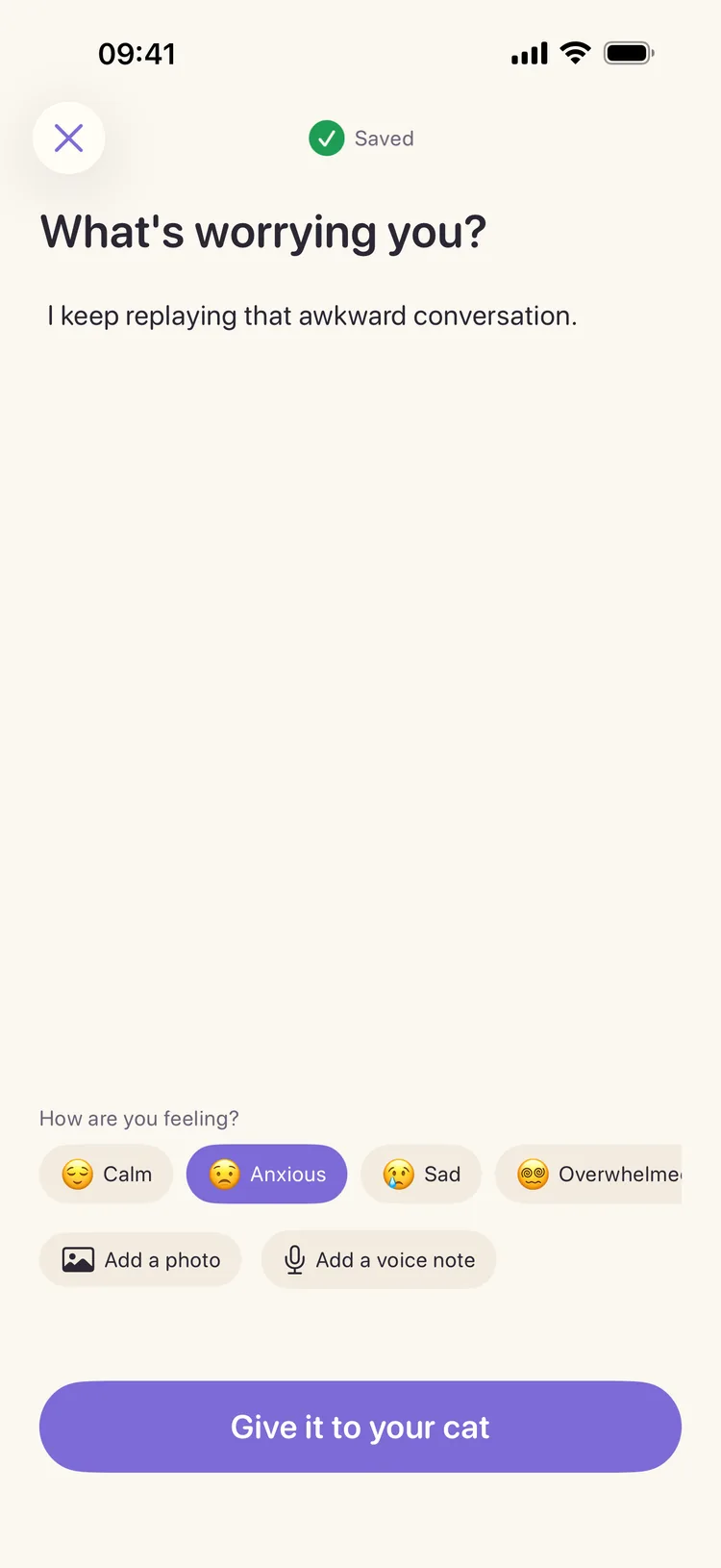
1 — WRITE
Say what is worrying you.
Type it in your own words and, if you want, choose how you feel. Your draft saves as you write, and every saved worry remains editable.
No account or setup before your first entry.
WORRY CAT: CALM JOURNAL
Write down what's circling in your mind. Your cat holds it through a short, quiet pause, and your editable journal keeps it for when you want to look back.


Free to start · No account · No ads
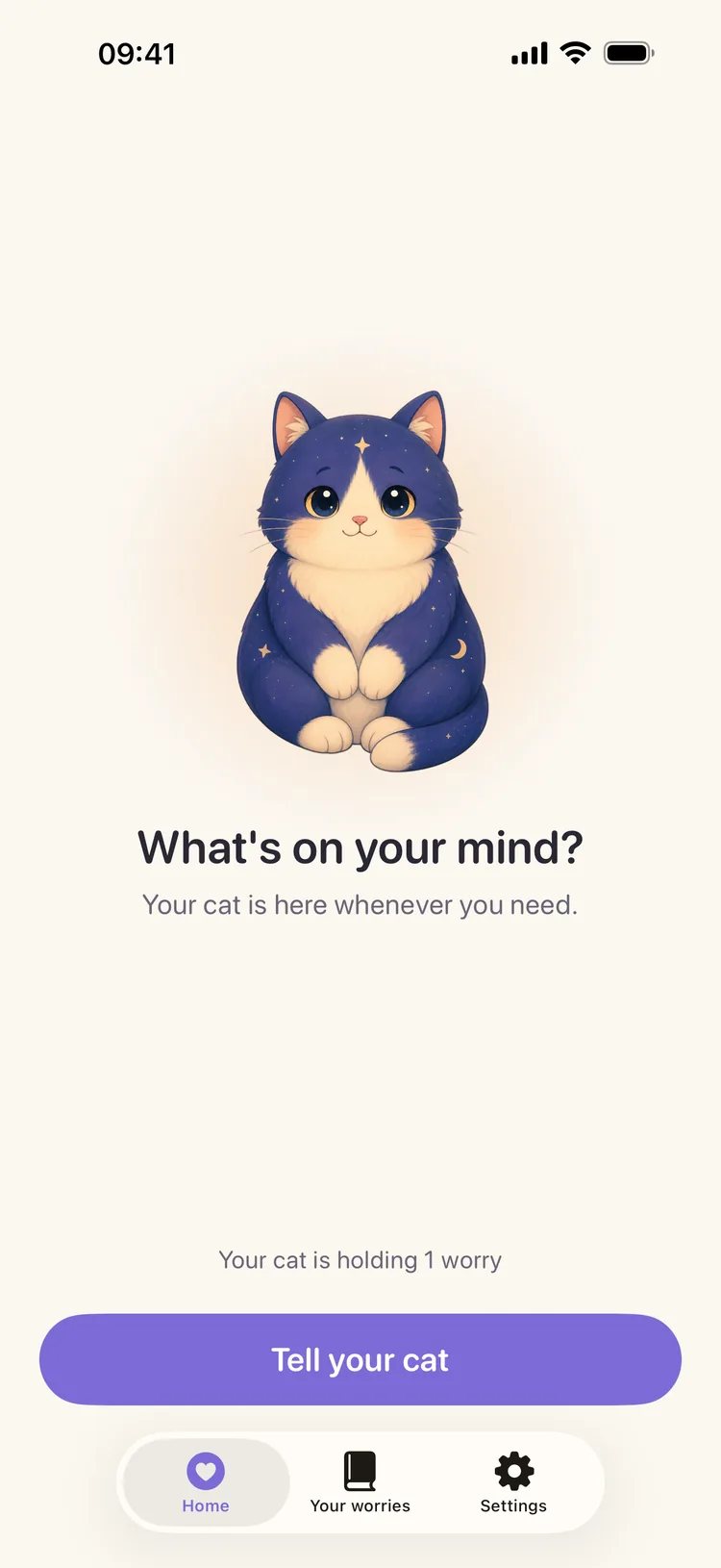
The full loop — from writing a worry to recording what actually happened.
1 — WRITE
Type it in your own words and, if you want, choose how you feel. Your draft saves as you write, and every saved worry remains editable.
No account or setup before your first entry.
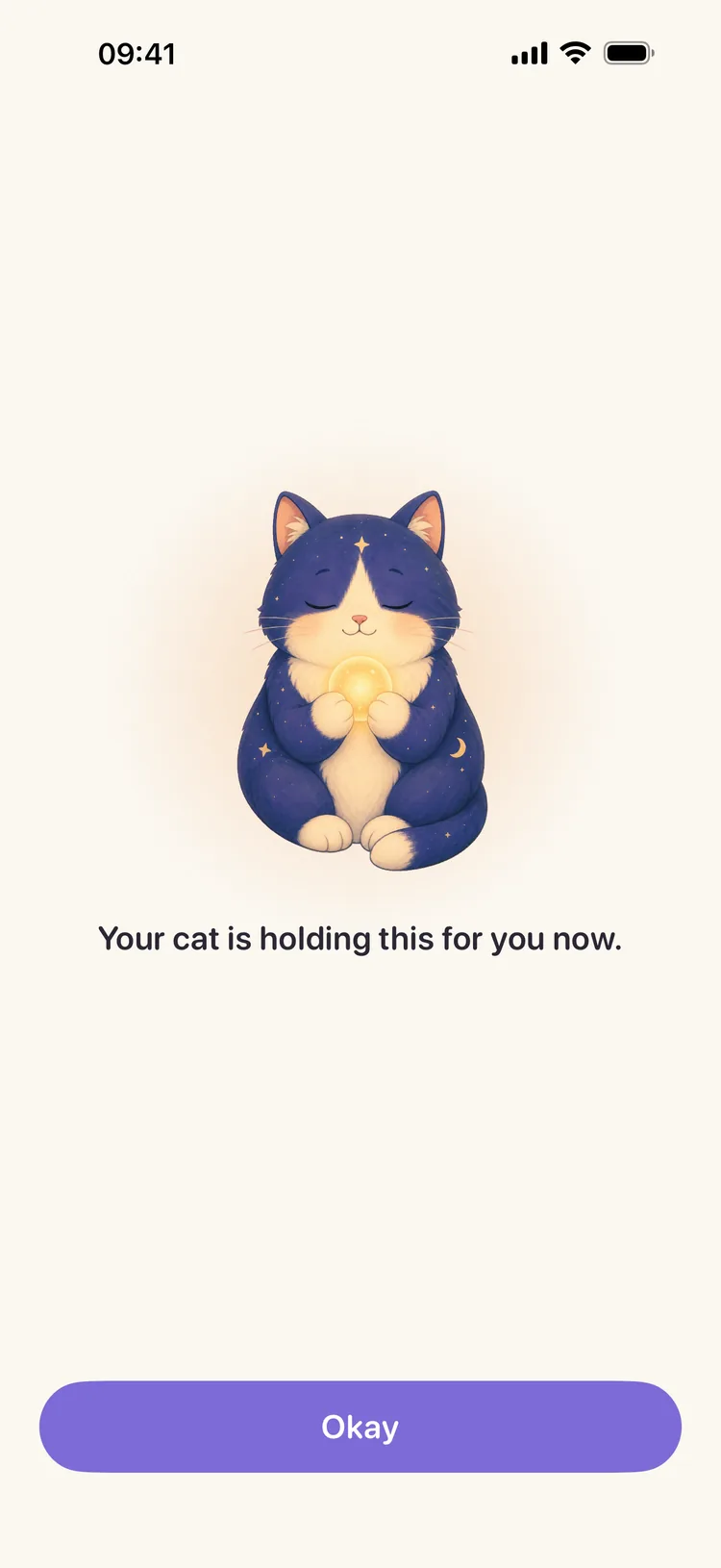
2 — HAND IT OVER
Give the worry to your cat. A glowing orb settles into its paws while you pause for a breath. There is no streak to maintain and no goal to hit.
A short Comfort Moment, then your entry is waiting in the journal.
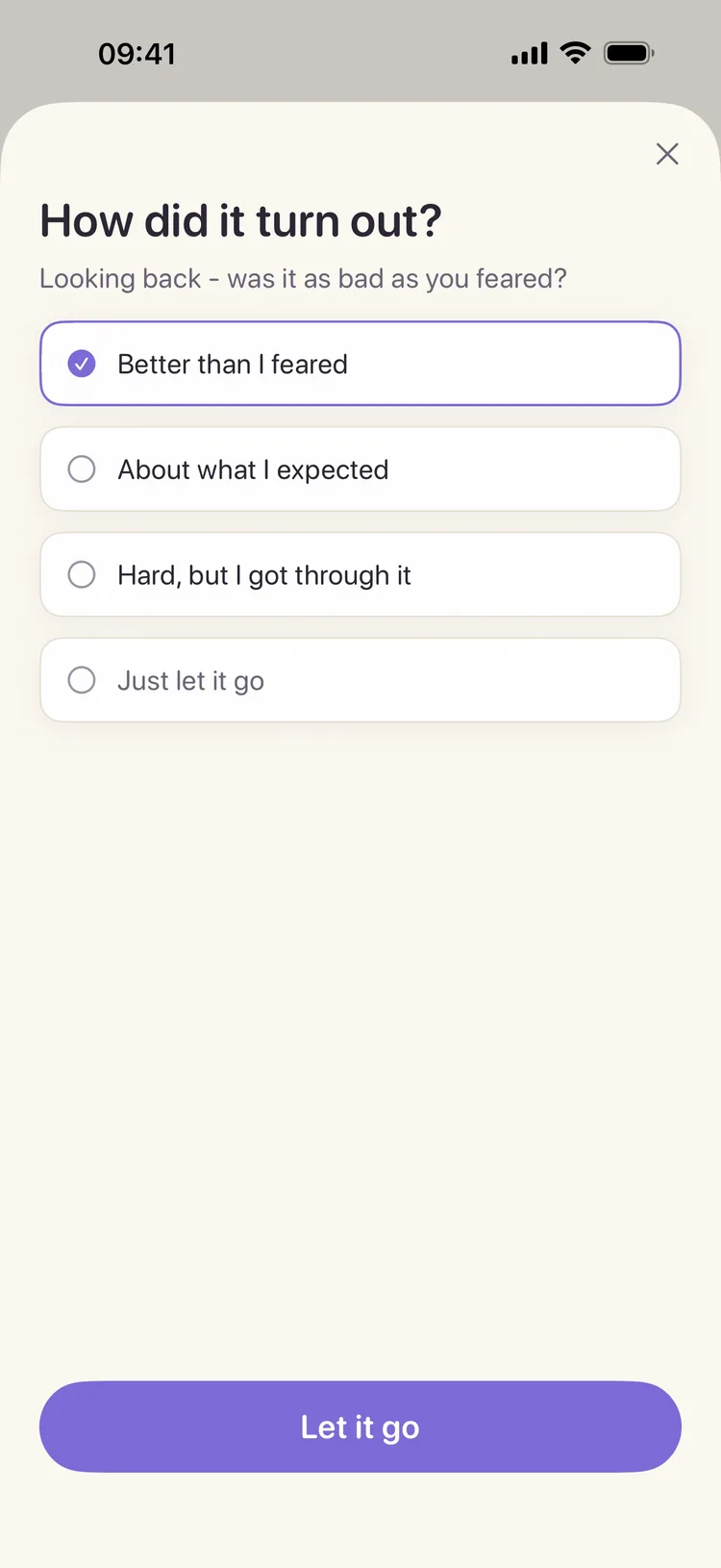
3 — CLOSE THE LOOP
Mark the worry as “Better than I feared,” “About what I expected,” or “Hard, but I got through it.” You can also choose “Just let it go.”
Settled worries move from “In your cat's care” to “At peace.”
LOOKING BACK
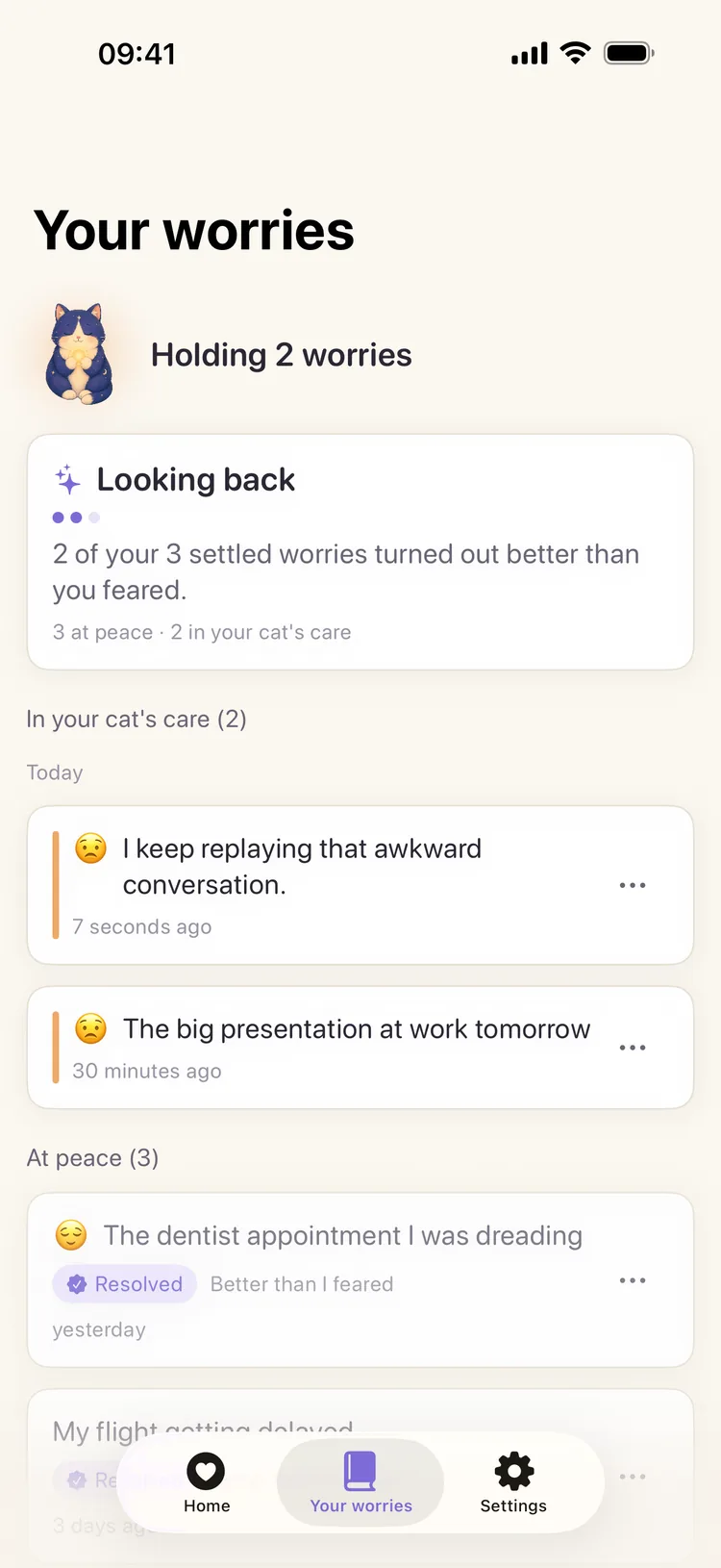
Every saved worry stays in your editable journal. Active entries sit under “In your cat's care”; settled entries move to “At peace.”
When you record an outcome, Looking back uses your own settled entries to show how many turned out better than you feared.
A personal journal summary — not a prediction, diagnosis, or clinical score.
LOCAL-FIRST BY DESIGN
No Worry Cat account and no ads. Your worry text, photos, and voice notes are stored on your device. Worry Cat does not upload, read, or store that content on our servers.
Optional backup is off by default. If you turn it on, your operating system includes your journal in the backup for your own Apple or Google account. We still do not receive or see it.
Limited pseudonymous usage analytics and crash diagnostics are always on. The App Store, Google Play, and RevenueCat also process purchase and entitlement information. These services do not receive the words, photos, or voice notes in your worries. Worry Cat does not use an advertising identifier or track you across other apps or websites.
WHAT'S INCLUDED
You do not need Pro to write a worry, give it to your cat, keep the full journal, settle an entry, or use Looking back. Pro adds personalization and richer attachments.
Pro is optional. Choose a subscription or a one-time Lifetime unlock in the app. Your store shows the current local price, renewal terms, and any trial eligibility before you buy.
Yes. Writing, saving, editing, settling and revisiting worries, the full journal, and Looking back are free. Pro is optional and adds extra cats, themes, calming sounds, photos, and voice notes.
No. Worry Cat has no sign-up and no Worry Cat account. You can start after the short introduction.
Your worry text, photos, and voice notes are stored on your device. Optional operating-system backup is off by default and, if enabled, goes to your own Apple or Google account — not to Worry Cat's servers.
Worry Cat uses limited pseudonymous usage analytics and crash diagnostics, which are always on, plus purchase and entitlement information. They do not include the words, photos, or voice notes in your worries. We do not use an advertising identifier or track you across apps or websites. See the Privacy Policy for details.
Yes. Open Settings → Export my worries to save a copy, then use Settings → Import worries on the new device. You can also opt into your device's operating-system backup.
Manage or cancel a recurring subscription through the App Store or Google Play. To restore a purchase, open Settings → Restore Purchases in Worry Cat. A Lifetime unlock is a one-time purchase and does not renew.
Open Settings → Erase all data. This permanently removes every worry, draft, and attachment from the device. Optional backup copies are managed in your Apple or Google backup settings. Deleting data or the app does not cancel an active subscription.
Write it in your own words, hand it to your cat, and keep it somewhere you can revisit when the moment has passed.
Free to start · No account · No ads